The Real Talk About Keurig Coffee Maker Problems (And How I Finally Fixed Mine)
Contents
Keurig coffee maker problems drove me absolutely mental last Tuesday morning.
I stood there, half-asleep, pressing buttons like a lunatic while my machine blinked at me like a disco ball and produced exactly zero coffee.
Sound familiar?
Look, I’ve owned three different Keurig models over the past eight years, and I’ve dealt with pretty much every annoying issue these machines can throw at you.
The good news? Most problems are stupidly simple to fix once you know what you’re doing.
No tech degree required, I promise.
Why Won’t This Bloody Thing Turn On?
This one nearly made me chuck my Keurig out the window.
I walked into the kitchen, pressed the power button, and… nothing. Dead as a doornail.
Before you panic and assume your machine is toast, try these steps:
The obvious stuff first:
- Check if it’s actually plugged in (I know, but I’ve done this)
- Test your outlet with another appliance
- Look for a tripped circuit breaker
For newer Keurig 2.0 or Plus models:
- The power button might be on the touch screen (lower right corner)
- Give it a firm press, not just a tap
- Wait 10 seconds and try again
Here’s what worked for me when nothing else did: I unplugged the machine for a full 5 minutes, then plugged it back in.
Sometimes these machines just need a proper reset, like rebooting your computer when it’s being ridiculous.
If you’re still getting nothing, you might need to check the internal fuse, but honestly, at that point I’d contact Keurig support or consider replacing it with a new Keurig coffee maker.
The Infuriating “All Noise, No Coffee” Problem
My machine sounded like it was brewing up a storm, but my cup stayed bone dry.
This is hands-down the most common Keurig problem, and it’s usually caused by air bubbles trapped in the water lines.
Here’s my foolproof fix:
- Unplug the machine
- Remove the water reservoir completely
- Give the machine a gentle shake from all sides
- Let it sit for 5 minutes
- Fill the reservoir with fresh water
- Plug it back in and try brewing
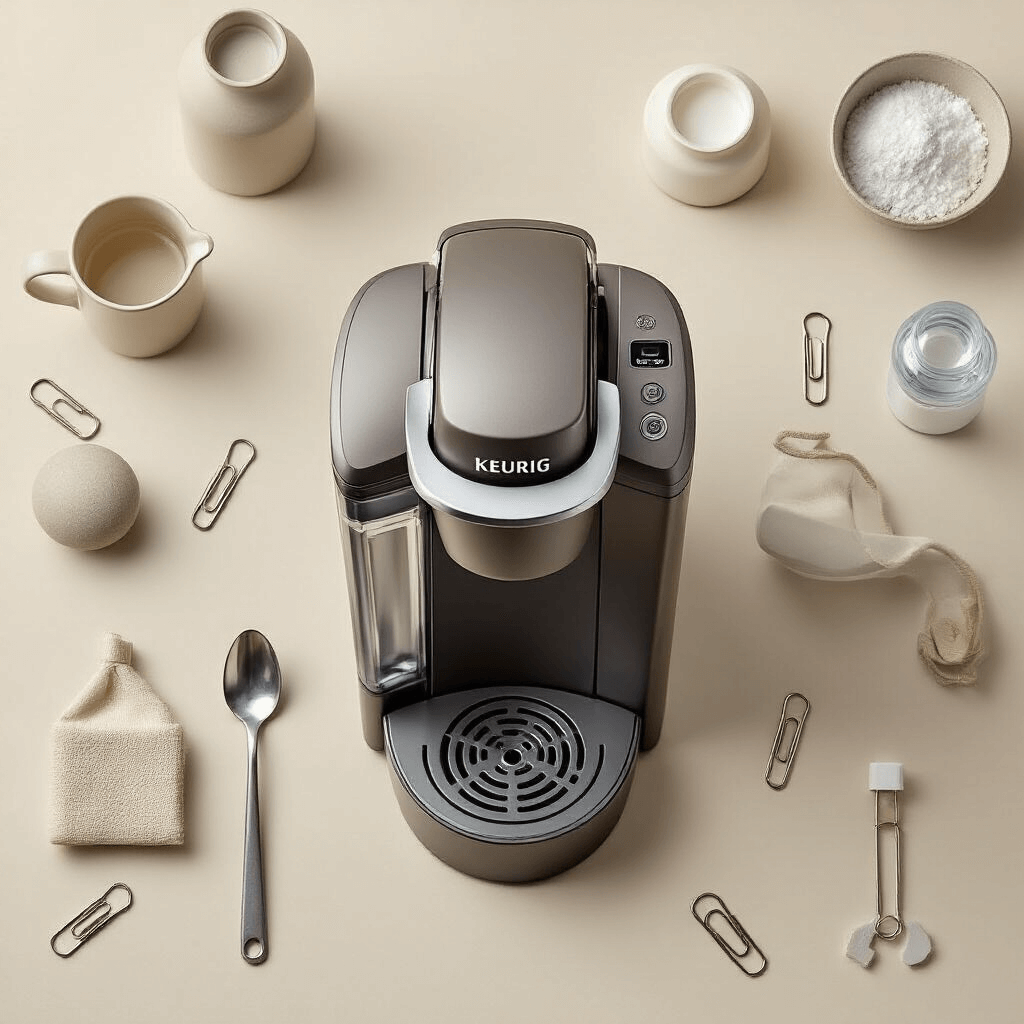
If that doesn’t work, grab a straightened paper clip and clean out the needles.
The needles are those pointy bits that puncture your K-cup – one on top when you close the lid, one at the bottom of the K-cup holder.
Coffee grounds get packed in there like cement, and it blocks everything.
I clean mine every two weeks now, and I haven’t had this problem since.
Pro move:
Use a Keurig cleaning tool instead of a paper clip – it’s specifically designed for this and won’t damage the needles.
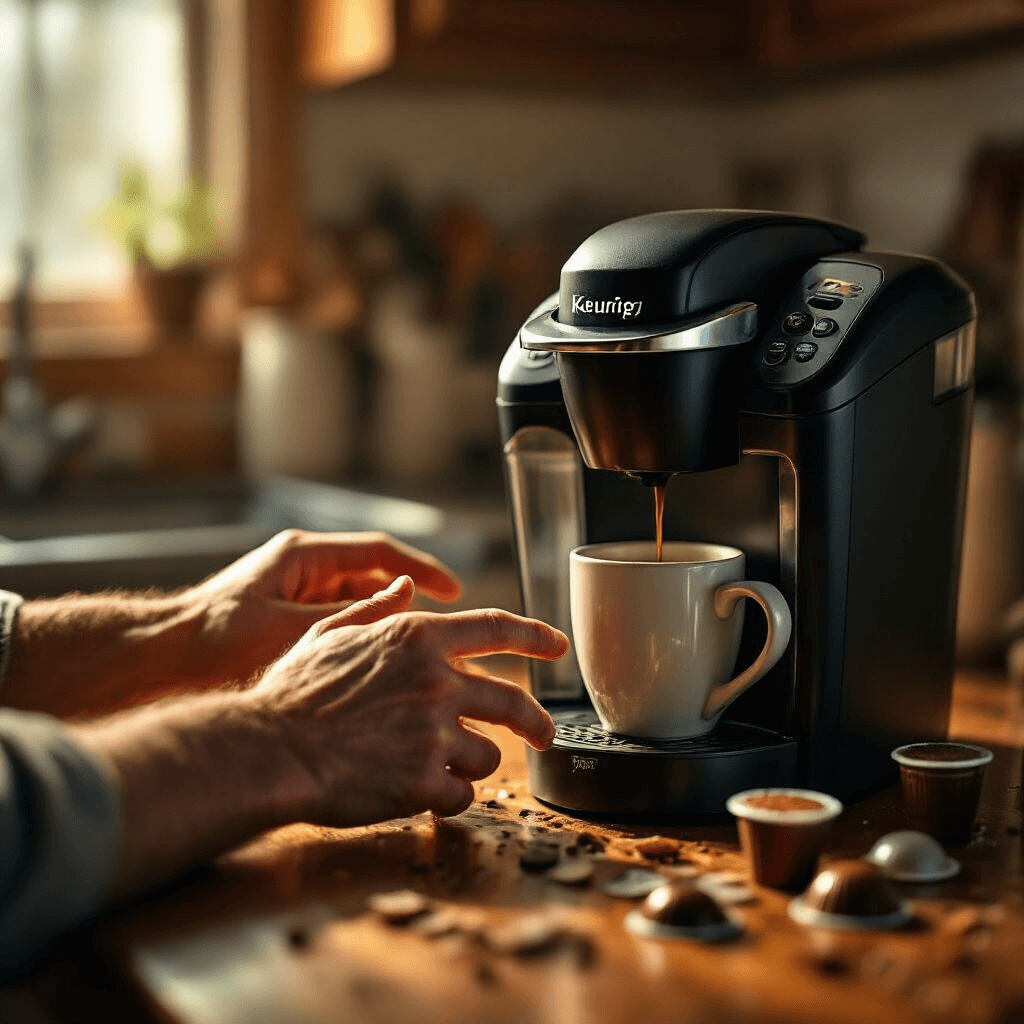
When Your Keurig Acts Like It Has Commitment Issues
You press brew, it starts making coffee, then suddenly decides “nah, I’m done” and shuts off mid-cycle.
This drove me up the wall for weeks.
The culprit? Almost always clogged needles creating too much pressure.
The machine has a safety feature that shuts everything down when pressure builds up too much.
Clean those needles thoroughly (both top and bottom), and this problem usually disappears.
I also discovered that using reusable K-cup filters with coffee ground too fine causes this issue constantly.
Stick with medium-coarse grind if you’re using refillable pods.
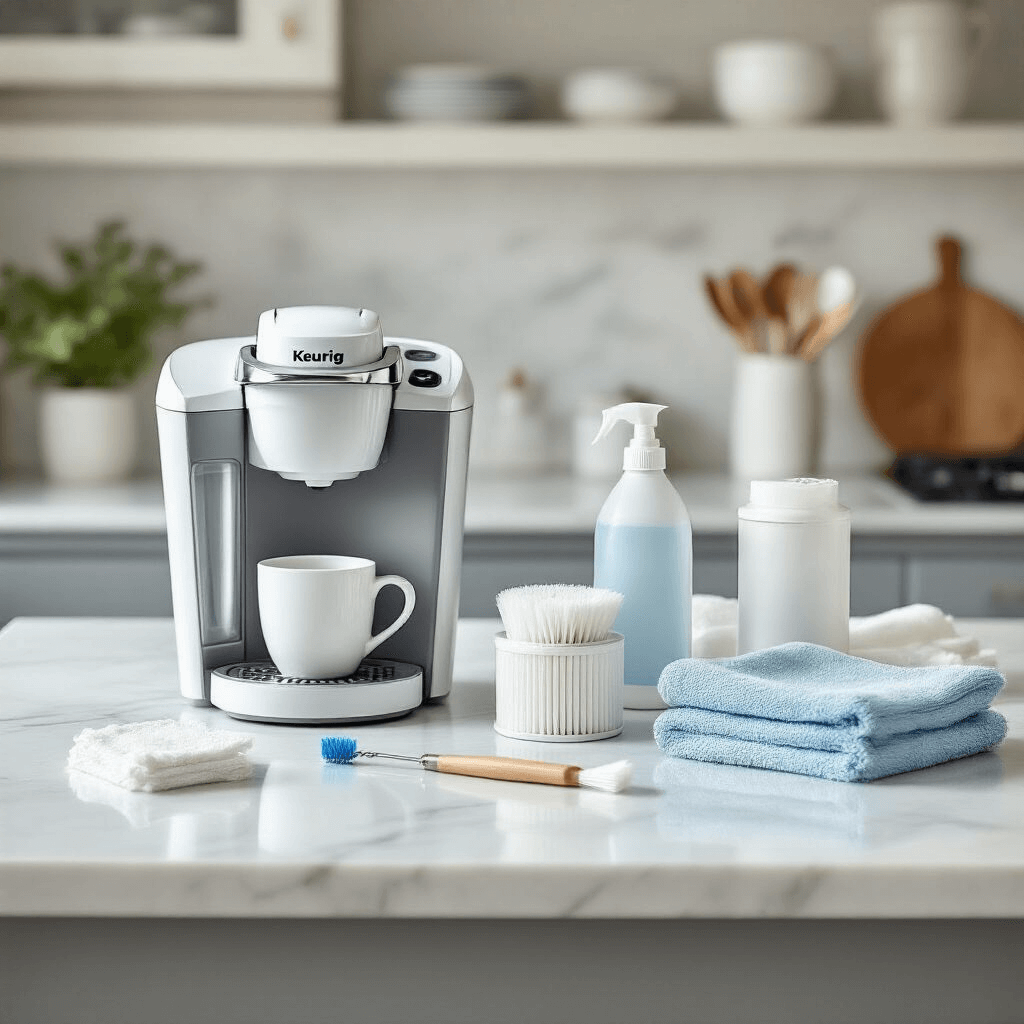
The Lukewarm Disappointment
Nothing ruins a morning quite like coffee that’s barely warm.
I’m not asking for lava here, but I shouldn’t need a microwave to finish what my coffee maker started.
Why this happens:
- Mineral buildup in the heating element
- Malfunctioning water pump
- Machine needs descaling desperately
When my coffee started coming out lukewarm, I descaled the machine using Keurig descaling solution, and the temperature went right back to normal.
Quick descaling process:
- Empty the water reservoir
- Pour in the descaling solution mixed with water
- Run brew cycles without a K-cup until the reservoir is empty
- Rinse by running fresh water through 3-4 times
I do this every three months now, and my coffee stays piping hot.
Some people use white vinegar instead of descaling solution, and honestly, it works fine – just smells terrible during the process.
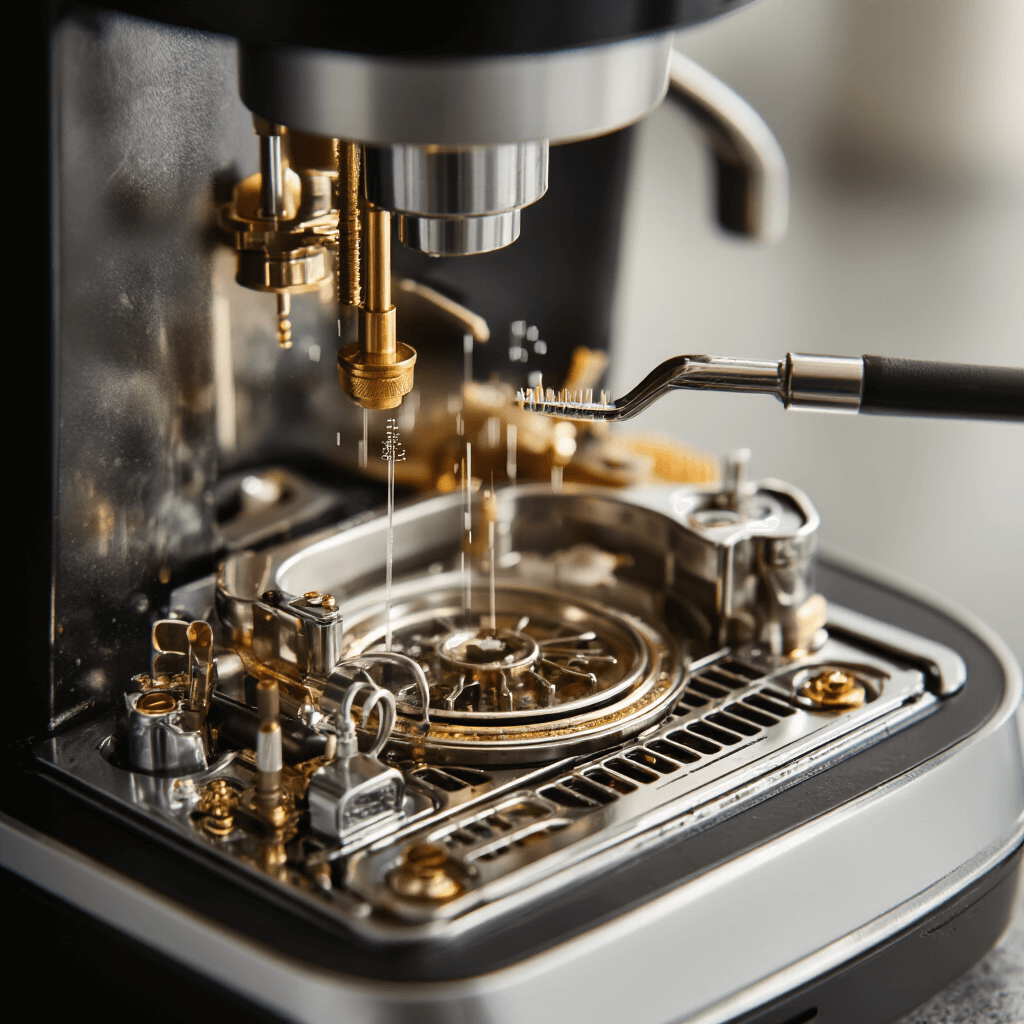
The “Add Water” Light That Lies
My reservoir was full to the brim, but my Keurig kept insisting it needed water.
This is one of those problems that makes you question reality.
The fix depends on your model:
For Keurig Classic:
- Press the Add Water, Medium Cup, and Heat buttons in sequence
- Run a water-only brew cycle
- This resets the sensor
For Keurig Platinum:
- Turn off the machine
- Hold the auto-off button
- Press the size selection buttons simultaneously
The real issue is usually that the magnetic float inside the reservoir isn’t registering properly.
Take the reservoir off, clean the bottom where it connects to the machine, and make sure those little magnetic contact points are spotless.
I use
This post may contain affiliate links. Please see my disclosure policy for details.